Project Context Reference
PROGive every session one source of truth for your project.
Maintain and serve a project's context reference — one file of key document/page IDs and aliases, decision-numbering and naming conventions, backend/config pointers, and documentation authoring rules — so every session and every other skill works from one source of truth. Use at the start of a session on a documented project, or when a page ID, alias, convention, or project key is needed.
Ask for it in plain English, e.g.
Works in
You ask: Load the project context and tell me: the page ID for `adr-parent`, the next ADR number, and the title format for a new ADR. ```yaml # docs/project-context.yaml project: Northwind Support Assistant backend: docs: { system: wiki, space: "NWSA", access: "wiki_cli.py" } tracker: { system: jira, project_key: "NWSA", access: "tracker_cli.py" } conventions: adr_title_format: "Northwind Support Assistant - ADR-NNN: <Title>" next_adr: "018" next_asr: "ASR-40" new_doc_location: "1000000" status_values: [DRAFT, ACCEPTED, SUPERSEDED, DEPRECATED] references: solution-context: { id: "1000101", url: "https://wiki.example/NWSA/solution-context" } current-state: { id: "1000102", url: "https://wiki.example/NWSA/current-state" } adr-parent: { id: "1000000", url: "https://wiki.example/NWSA/adrs" } adr-010: { id: "1000110", url: "https://wiki.example/NWSA/adr-010" } ```
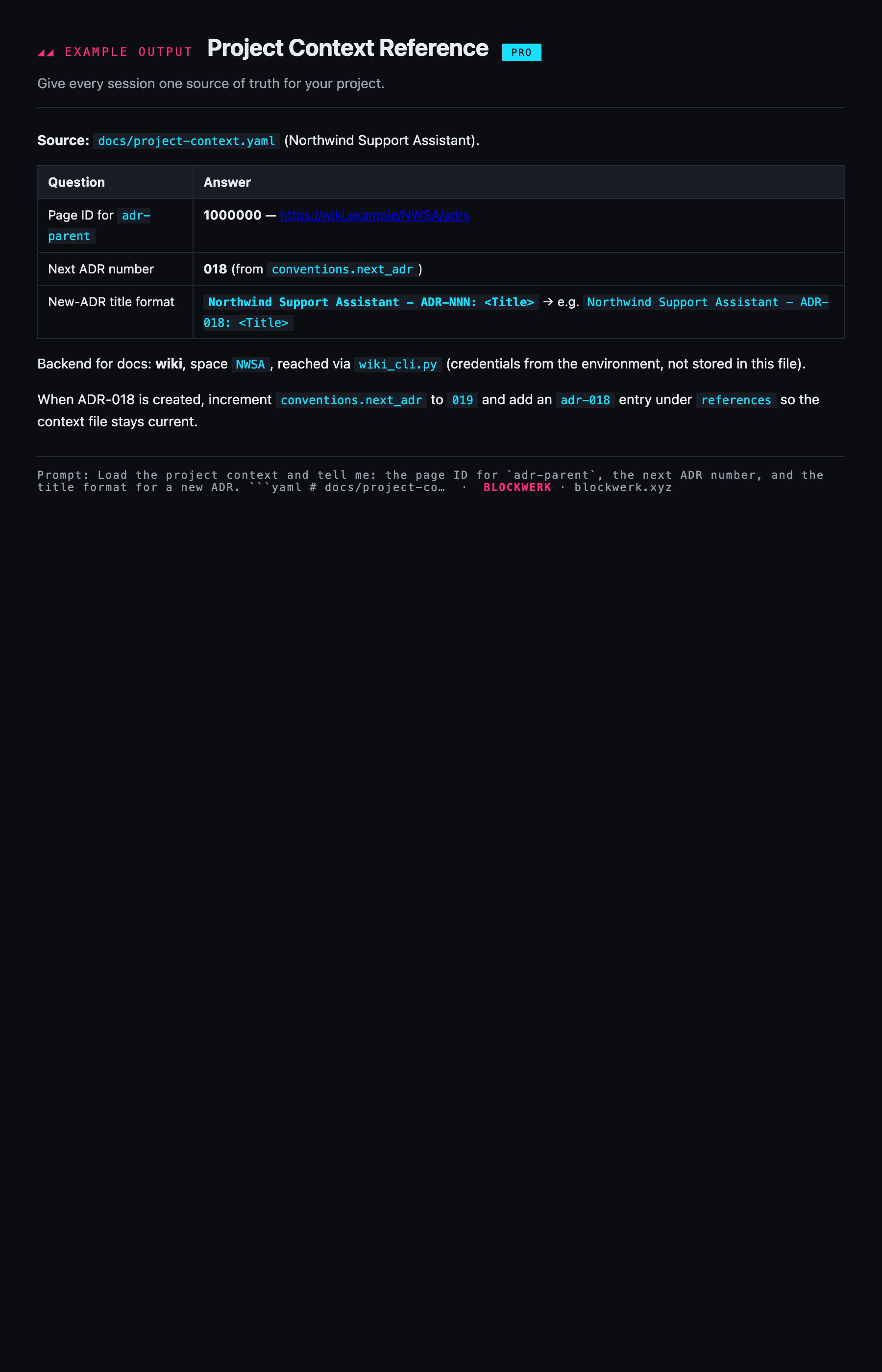
Example output shown for illustration. Your assistant produces this live from your own request once the skill is installed.